Mindset Growth Hub — Practical courses taught by people who do the work
Home  ‹  Programs & Courses  ‹  Claude for Business
Upgrade the way you work with AI

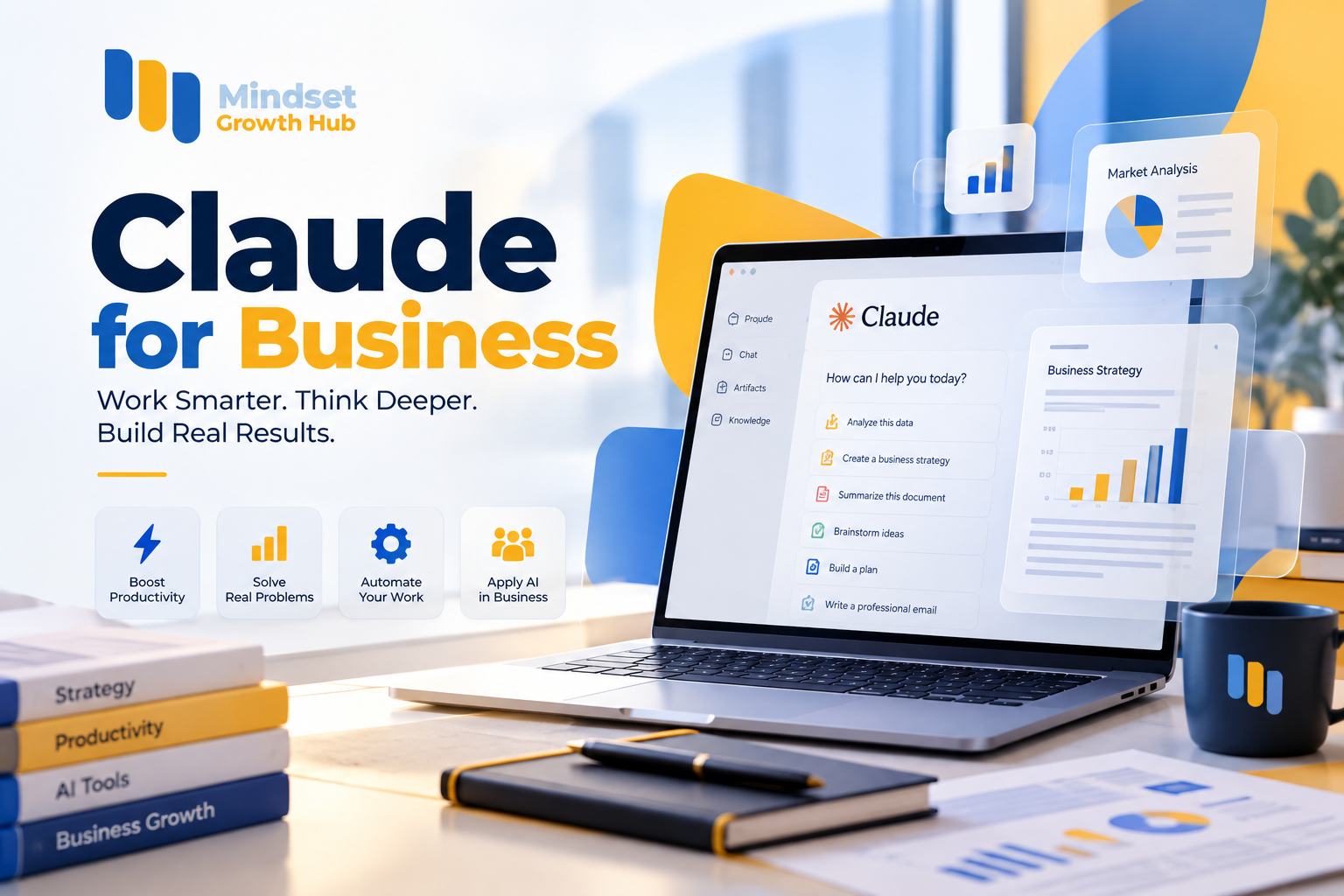
Claude for Business

Turn Claude from an AI tool into a complete business assistant inside your company
6 Accredited Hours 3 Days Practical
Officially accreditedProfessional attendance certificate accredited by NAHJ
Program overview

About the program

An intensive hands-on workshop focused on the practical use of Claude in the workplace — not a tour of tools, but skill-building: from writing professional prompts, to running Claude in management, marketing, sales and data analysis, all the way to a smart business assistant tailored to your company. Every topic is applied in the session on a real case, you leave with templates, prompts and documents you can use immediately, and the final project is a Claude assistant tailored to your work environment and daily tasks.

  • Direct application — every topic is applied in the session on a real case
  • Ready outputs — templates, prompts and documents you can use immediately
  • A final project — a Claude assistant tailored to your work and daily tasks
  • 100% hands-on — 7 practical blocks

Core Program Objective

  • 01Understand Claude’s capabilities and its key uses inside companies
  • 02Write professional prompts and build a company prompt library
  • 03Run Claude in management, marketing and sales with ready-to-use outputs
Program goals

What will you be able to do after the program?

Use Claude professionally in the workplace
Write strong, advanced prompts
Build a company prompt library
Analyze files and documents
Prepare management reports
Use Claude in marketing
Use Claude in sales
Analyze data and extract insights
Design smart workflows
Understand and build Claude AI agents
Build a Claude Business Assistant tailored to your work environment
The development journey

Before and after the course

Before the Program

  • Random attempts with Claude
  • Every employee writes prompts from scratch
  • Raw files and summaries only
  • Document review takes hours
  • Claude as an AI tool
Learning Journey

After the Program

  • Structured prompt engineering that produces professional-grade output
  • A shared company prompt library
  • Analysis, KPIs and actionable recommendations
  • A document review system that cuts it to minutes
  • Claude as a complete business assistant inside the company
Target audience

Who is this program for?

Business Owners, CEOs & Executive Founders

Decision-makers in the company.

Why it fits you

Build a smart business assistant that supports decisions, reporting and follow-up in your company.

Managers & Project Managers

Those responsible for teams and daily work.

Why it fits you

Prepare reports, policies, SOPs and action plans, and summarize meetings in minutes.

Entrepreneurs & Business Development Teams

Those building and growing businesses.

Why it fits you

Analyze cases and turn ideas into execution plans.

Marketing Teams

Those responsible for strategy and content.

Why it fits you

Build strategy and content plans, and analyze competitors and campaign results.

Sales Teams

Those who contact customers and close deals.

Why it fits you

Prepare scripts, follow-up messages, objection responses and proposals.

HR & Consultants

HR teams and consultants.

Why it fits you

Write job descriptions, analyze documents and contracts, and prepare professional reports.

Learning path

The course journey

01
DAY 1

Session 1: Mastering Claude & Prompt Engineering

2 hours

Understanding Claude AI • Professional prompt engineering

Details
02
DAY 2

Session 2: Management, Marketing & Sales

2 hours

Claude for management • Claude for marketing

Details
03
DAY 3

Session 3: Data, Automation & Work Systems

2 hours

Data analysis with Claude • Claude for documents

Details
Details

Training content in detail

01

Understanding Claude AI

6 topics

Session 1 — starting from the basics: what makes Claude effective in a business environment.

Topics covered

  • A practical introduction to Claude AI
  • How Claude differs from other AI tools
  • Key uses of Claude inside companies
  • Claude’s ability to understand text and files
  • Using Claude for thinking and analysis
  • Turning ideas into execution plans

Practical skills

Understanding Claude’s capabilities
Expected deliverable:

Session 1 — writing prompts that produce professional-grade output through structured prompt engineering, not random attempts.

Topics covered

  • Writing a professional prompt
  • Setting role, context and objective
  • Setting instructions and output format
  • Creating prompts for daily tasks
  • Creating multi-step prompts
  • Building company prompt templates
  • Creating a role-specific smart assistant

Practical skills

Prompt templatesPrompt library
Expected deliverable:

Session 1 — direct application to real work tasks.

Topics covered

  • Writing a professional email
  • Summarizing a meeting
  • Analyzing a business case
  • Preparing a management report
  • Preparing a business plan
  • Building a prompt library for the team

Practical skills

Professional writingAnalysis
Expected deliverable: A professional company prompt library and a Claude assistant for your roles, ready to work the next day.

Session 2 — a set of ready management prompts and outputs that work from the very next day.

Topics covered

  • Preparing management reports
  • Writing SOPs
  • Preparing policies
  • Preparing meeting agendas
  • Summarizing meetings
  • Creating job descriptions
  • Building action plans
  • Performance analysis
  • Decision support

Practical skills

SOPs & policiesAction plans
Expected deliverable:

Session 2 — from market analysis to content and campaign results analysis.

Topics covered

  • Market analysis
  • Building a marketing strategy
  • Creating a content plan
  • Competitor analysis
  • Defining the target audience
  • Building a customer persona
  • Writing marketing content
  • Creating video scripts
  • Campaign ideas
  • Analyzing campaign results

Practical skills

Marketing strategyContent planning
Expected deliverable:

Session 2 — complete sales follow-up, from the ideal customer profile to the proposal.

Topics covered

  • Building the ideal customer profile (ICP)
  • Identifying prospects
  • Creating sales scripts
  • Writing opening messages
  • Discovery questions
  • Handling objections
  • Writing follow-up messages
  • Negotiation strategies
  • Improving closing techniques
  • Creating sales proposals

Practical skills

Sales scriptsObjection handling
Expected deliverable:

Session 3 — from raw file to decision: analysis, KPIs and actionable recommendations, not just summaries.

Topics covered

  • Working with Excel and CSV files
  • Sales data analysis
  • Customer analysis
  • Marketing performance analysis
  • Extracting insights
  • Comparing performance across periods
  • Defining KPIs
  • Spotting trends
  • Preparing an executive summary
  • Turning data into practical recommendations

Practical skills

Data analysisExecutive summaries
Expected deliverable:

Session 3 — analyzing and comparing documents and extracting the key information.

Topics covered

  • PDF analysis
  • Contract review
  • Summarizing long reports
  • Comparing multiple documents
  • Extracting key information
  • Creating reports from data and files

Practical skills

PDF analysisContract review
Expected deliverable: A complete analytical report based on real data, and a document review system that cuts hours of work to minutes.

Session 3 — designing smart workflows and connecting them to work tools.

Topics covered

  • What an AI workflow is
  • Identifying automatable tasks
  • Designing a workflow with Claude
  • Automating periodic reports
  • Automating customer follow-up
  • Automating marketing and sales
  • Connecting to Google Sheets, CRM, email, Notion, n8n and Make

Practical skills

Workflow design
Expected deliverable:

Session 3 — from assistant to agent: building an integrated Claude system inside the organization.

Topics covered

  • What an AI agent is
  • AI agent vs AI assistant
  • Designing a Claude assistant for the company
  • Claude for tasks
  • Claude for marketing
  • Claude for customer service
  • Claude for management
  • Building an integrated Claude system inside the organization

Practical skills

Assistant designAI agents
Expected deliverable:
Tools and technologies

The tools we will use during the program

Claude

The core tool of the workshop: writing, analysis, understanding files and building assistants.

Excel & CSV

The data files we analyze and extract insights from.

Google Sheets

Connecting data to workflows.

CRM & Email

Automating customer follow-up.

Notion

Organizing the prompt library and documents.

n8n & Make

Building automated workflows.

Hands-on practice

Projects and practical work during the program

01
PROJECT

Company Prompt Library

Session 1 project: a professional prompt library for the team.

Work scenario

Every employee uses Claude their own way, with inconsistent results.

What you will build

Prompt templates for email, meetings, reports, business plans and case analysis.

Final deliverable

A prompt library and a Claude assistant for your roles.

Skills used

Prompt engineeringPrompt templates

Tools

ClaudeNotion
02
PROJECT

Analytical Report & Document Review System

Session 3 project: from raw file to decision.

Work scenario

Sales data files, contracts and long reports that need to become a decision.

What you will build

Excel/CSV analysis with KPIs and trends, plus review and comparison of PDFs and contracts.

Final deliverable

A complete analytical report, an executive summary and a document review system.

Skills used

Data analysisContract review

Tools

ClaudeExcelCSV
03
PROJECT

Claude Business Assistant

Final project: each participant builds an AI assistant tailored to their work environment.

Work scenario

Your company needs a smart assistant working on daily management, marketing and sales tasks.

What you will build

Data Analysis + Reporting + Marketing + Sales + Documents + Follow-up + Decisions.

Final deliverable

A Claude assistant tailored to your work environment and daily tasks.

Skills used

Assistant designWorkflow designAI agents

Tools

ClaudeGoogle SheetsCRMNotionn8nMake

Don’t just use Claude… make it work inside your company!

Three intensive hands-on sessions that leave you with a real AI assistant working on your daily tasks — from writing a prompt to building a smart business assistant for your company. Register now — seats are limited.

Enroll in the Program