Mindset Growth Hub — Practical courses taught by people who do the work
Home  ‹  Programs & Courses  ‹  AI for Marketing Automation
Marketing is no longer manual work

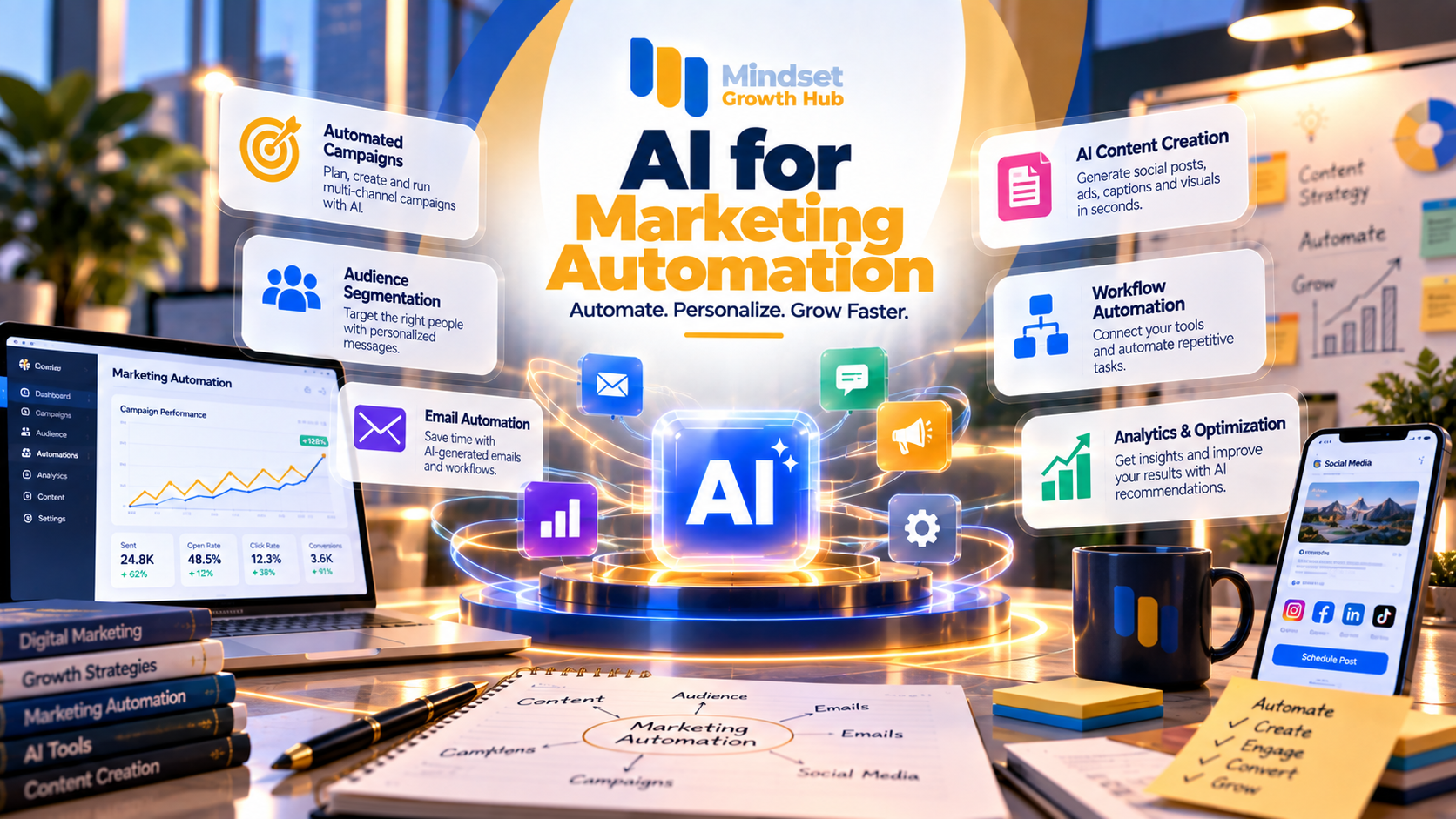
AI for Marketing Automation

From AI tools to a complete marketing automation system — with Claude working alongside you at every stage
6 Accredited Hours 3 Days Hands-on — no code
Officially accreditedProfessional attendance certificate accredited by NAHJ
Program overview

About the program

A hands-on program that makes Claude your content partner and automation assistant: it speeds up content creation in your brand voice, automates emails and follow-up, scores leads, builds no-code workflows and AI agents, and analyzes campaign results. Every unit is applied to a real campaign and real data, every day ends with a tangible output, and you close the program by building your own marketing automation system — not just a set of saved prompts.

  • Fully hands-on — every unit is applied to a real campaign and real data
  • Claude at every stage — from idea to report
  • Immediate outputs — every day ends with a tangible output you use at work
  • A focused toolset — each tool solves a real marketing problem, not a long list of tools
  • No code — workflows and agents with no-code tools

Core Program Objective

  • 01Use Claude as a content partner to speed up content creation in your brand voice
  • 02Automate emails and follow-up and build working email sequences
  • 03Qualify and segment leads with a clear scoring model
Program goals

What will you be able to do after the program?

A marketing prompt library
A content engine
A brand voice assistant
A working email sequence
A lead scoring framework
A workflow that writes a reply for every lead
An AI agent and a simple chatbot
A presentation-ready performance report
A governance checklist for any workflow
The development journey

Before and after the course

Before the Program

  • Content written from scratch for each channel
  • Content in a different tone every time
  • Piled-up leads with no priority
  • Replying to every lead by hand
  • Reports that take days
Learning Journey

After the Program

  • Idea → Claude draft → A/B versions → multiple channels
  • A brand voice assistant that writes in your company’s voice
  • Lead scoring that shows who deserves attention first
  • A workflow that classifies each lead, writes a tailored reply and prepares it for sending
  • A presentation-ready performance report from campaign data in minutes
Target audience

Who is this program for?

Digital Marketers

Those running campaigns and digital channels.

Why it fits you

Save hours of repetitive tasks and build workflows that run on their own.

Content Creators & Social Media Managers

Content creators and platform managers.

Why it fits you

Turn one idea into content for every channel in your brand voice.

Marketing Managers & Growth Teams

Marketing leaders and growth teams.

Why it fits you

Build an integrated marketing automation system and management-ready performance reports.

CRM & Email Specialists

Those managing customer lists and messaging.

Why it fits you

Build email sequences, lead scoring and nurture workflows in the CRM.

Business Owners

Those marketing their business with small teams.

Why it fits you

A system that replies to and follows up leads on its own, without a large team.

Freelancers

Independent marketing and content professionals.

Why it fits you

Offer clients faster, higher-quality automation and content services.

Learning path

The course journey

01
DAY 1

Claude & the Content Engine

2 hours

AI in marketing and prompt engineering • The AI content engine

Details
02
DAY 2

Email & Lead Automation

2 hours

AI email automation • Lead scoring and segmentation

Details
03
DAY 3

Agents, Analytics & Final Project

2 hours

AI agents and chatbots • AI analytics and reporting

Details
Details

Training content in detail

01

AI in Marketing & Prompt Engineering

30 minutes · 6 topics

Day 1 — the foundation. Tools: Claude, Claude Projects and ChatGPT.

Topics covered

  • Mapping AI across the customer journey
  • Automation vs AI agent
  • Field trends: agentic AI and personalization
  • The prompt framework: goal · context · constraints · format
  • Fixed campaign instructions in a Claude Project
  • Reviewing and improving AI output

Practical skills

Prompt engineering
Expected deliverable: A ready marketing prompt library you can use from day one.

Day 1 — idea → Claude draft → A/B versions → multiple channels. Tools: Claude, Artifacts and Canva.

Topics covered

  • Subject lines, ads and social posts
  • Articles and long-form content
  • Multiple versions for A/B testing
  • A quick landing page with Artifacts
  • Repurposing one piece of content across channels
  • Reviewing content and improving the copy

Practical skills

Content repurposingA/B testing
Expected deliverable: A complete content pack for one campaign: ads + posts + email + landing page.

Day 1 — brand guidelines → Claude Project → on-brand content → a prompt for the workflow. Tools: Claude Projects, Styles and Google Docs.

Topics covered

  • Gathering brand guidelines and content examples
  • Uploading files as fixed project knowledge
  • Defining the tone: formal vs casual
  • Setting up a custom brand Style
  • Rules for what to say and what not to say
  • Preparing the email prompt that plugs into the Day 2 workflow

Practical skills

Brand voice
Expected deliverable: A brand voice assistant that writes in your company’s voice + a prompt ready to plug into the automation.

Day 2 — tools: Claude, MailerLite and Mailchimp.

Topics covered

  • Triggers and sequences
  • A 3-email welcome sequence
  • Writing tailored emails for each segment
  • Subject lines and A/B testing
  • Setting up the automation in the tool
  • Measuring opens and clicks and improving messages

Practical skills

Email sequences
Expected deliverable: A working email sequence that starts automatically when a new customer subscribes.

Day 2 — hot, warm and cold classification. Tools: Claude, Claude in Excel, HubSpot and Google Sheets.

Topics covered

  • Building a simple scoring model with clear criteria
  • Cleaning the lead list with Claude
  • Audience segmentation
  • A nurture workflow in HubSpot (free CRM)
  • The score decides which email each segment receives
  • Predictive sending concepts — demo only

Practical skills

Lead scoringSegmentation
Expected deliverable: A lead scoring framework + a nurture workflow that shows who deserves attention first.

Day 2 — Form → Claude classification → Claude email → approval → send → team notification. Tools: Claude, n8n, Make and Google Sheets.

Topics covered

  • Trigger → action and connecting a form to a Google Sheet
  • AI step: classify and summarize the lead
  • AI step: write an on-brand tailored email for each lead
  • Human approval step: the email is saved as a draft or waits for your confirmation
  • Notifying the team via Gmail
  • Testing, error handling, and when to use Zapier, Make or n8n

Practical skills

No-code automationHuman-in-the-loop
Expected deliverable: A real working automation that receives a lead, classifies it, writes a tailored reply and prepares it for sending.

Day 3 — tools: Claude, Connectors, Claude in Chrome and n8n.

Topics covered

  • Chatbot vs agent vs workflow
  • A simple agent: lead enrichment or a campaign plan draft
  • Connecting Claude to Google Drive and Gmail with Connectors
  • An FAQ chatbot based on company files
  • Automating repetitive browser tasks with your approval
  • The limits of agents and when human review is needed

Practical skills

AI agentsConnectors
Expected deliverable: A marketing agent + a simple chatbot that save hours of repetitive tasks.

Day 3 — tools: Claude, CSV / Excel upload and Claude in PowerPoint.

Topics covered

  • Uploading campaign results and extracting insights
  • Charts and an executive summary
  • Metrics: CTR · CPL · conversion · CLV
  • Comparing channel and segment performance
  • Recommendations for the next campaign
  • Turning the report into a presentation

Practical skills

Marketing analytics
Expected deliverable: A presentation-ready performance report generated from campaign data in minutes.

Day 3 — tool: Claude.

Topics covered

  • Customer data privacy and when to share it with AI
  • Verifying numbers and claims before publishing
  • Bias and the limits of personalization
  • Human-in-the-loop: what must be reviewed by a person before sending

Practical skills

GovernanceData privacy
Expected deliverable: A governance checklist to apply to any workflow before it goes live.
Tools and technologies

The tools we will use during the program

Claude Projects + Styles

The brand voice assistant and fixed campaign instructions.

Artifacts

Landing pages and interactive tools without code.

File Upload (CSV / Excel)

Analyzing campaign results and extracting insights.

Web Search + Research

Competitor research and sourced market analysis.

Claude in Excel

Cleaning lead lists and building scoring inside the sheet.

Claude in PowerPoint

Turning the report into a presentation quickly.

Claude in Chrome

Automating repetitive browser tasks with your approval.

Connectors

Connecting Claude to Google Drive and other tools as available.

HubSpot & MailerLite

The free CRM and email automation.

n8n / Make & Google Sheets

Building no-code workflows.

Canva

Designs to accompany the content.

Hands-on practice

Projects and practical work during the program

01
PROJECT

Content Engine

Day 1 output: a full campaign’s content in your brand voice.

Work scenario

A new campaign needs ads, posts, an email and a landing page fast, all in the same tone.

What you will build

Prompt library → content pack → brand voice assistant.

Final deliverable

A content pack + a working brand voice assistant.

Skills used

Prompt engineeringBrand voice

Tools

Claude ProjectsStylesArtifactsCanva
02
PROJECT

Automation Core

Day 2 output: a system that classifies, replies and follows up on its own.

Work scenario

Leads arrive from the website form and nobody replies in time.

What you will build

Email sequence + lead scoring + workflow: Form → classification → tailored email → approval → send → team notification.

Final deliverable

A working workflow that writes a reply for every lead.

Skills used

Email automationLead scoringNo-code workflows

Tools

ClaudeMailerLiteHubSpotn8nMakeGoogle Sheets
03
PROJECT

My AI Marketing Automation System

Final project: build the full system for a sample company or your own and present it to the group.

Work scenario

A company needs a connected marketing system from the lead to the tailored reply, follow-up and report.

What you will build

Brand Assistant → Lead Capture → AI Classification → Lead Scoring → AI-written Email → Human Approval → Send & Nurture → Marketing Agent → Performance Report → Next Best Action.

Final deliverable

An integrated marketing automation system + an agent + a performance report.

Skills used

AI agentsMarketing analyticsGovernance

Tools

ClaudeConnectorsn8nHubSpotClaude in PowerPoint

Marketing is no longer manual tasks… it’s a system that runs itself

Don’t just learn AI tools — build an AI-powered marketing automation system. Leave with ready-to-use workflows and a marketing automation system you built yourself and can run in your work.

Enroll in the Program